Shelves within shelves
Organize by author, series or mood, at any depth.
- Library
- Classics24 items
- Russian8 items
- Tolstoy3 items
The tour
Novelwave is made for books, not podcasts or playlists. Seven short chapters cover everything it can do, from the first import to the last page.
I Library
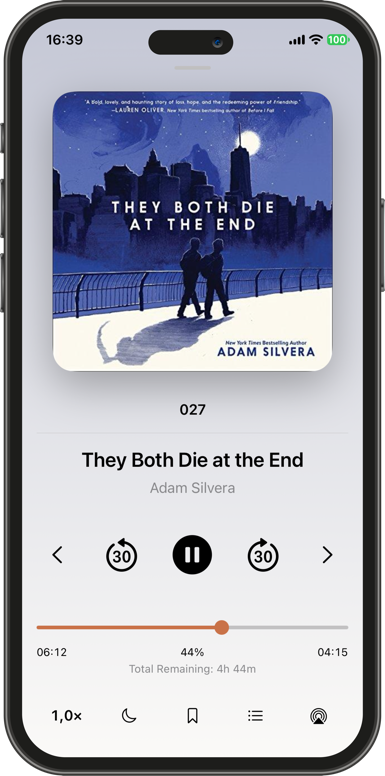
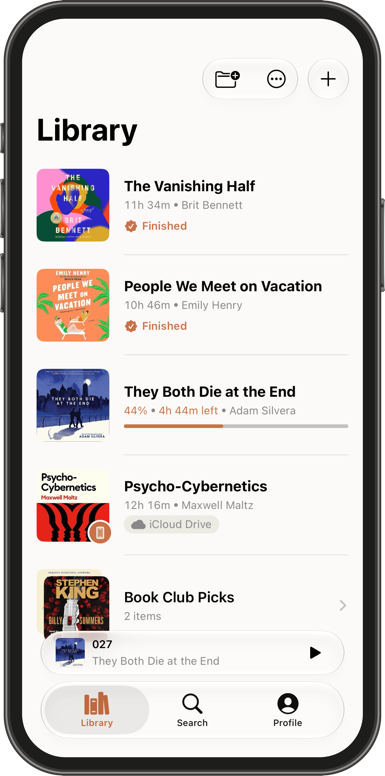
Gather audiobooks into shelves, then tuck shelves inside other shelves, as deep as your collection needs. Sorting, filters and search keep any book only moments away.
Organize by author, series or mood, at any depth.
See just what you're reading, or what's waiting.
Search across titles, authors and shelves at once.
II Player
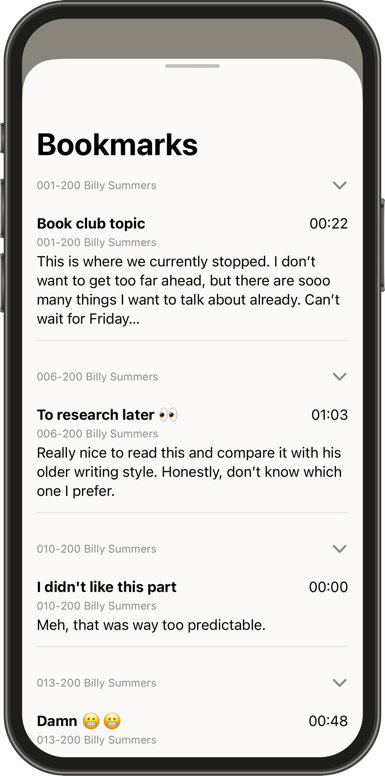
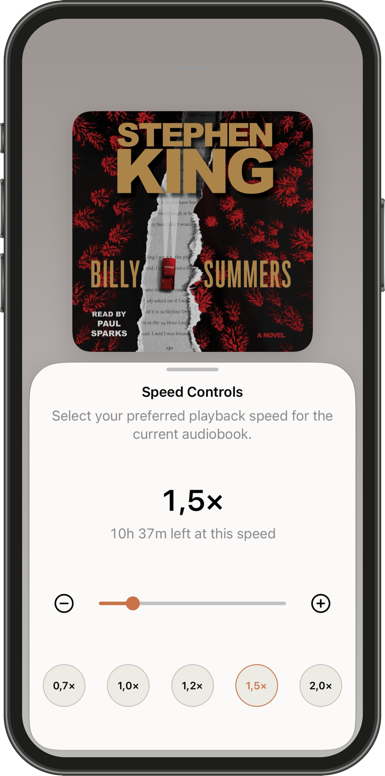
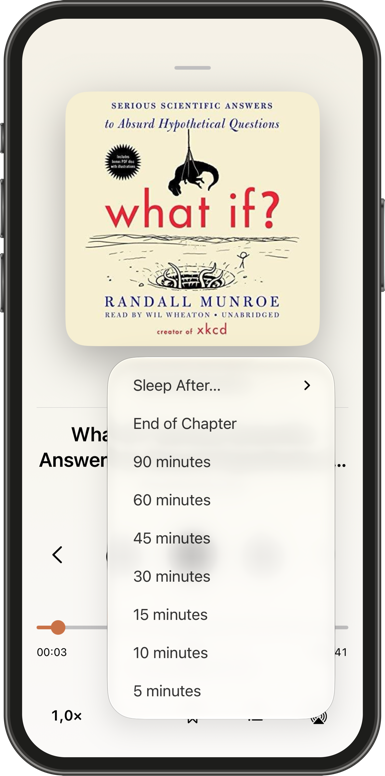
Set the pace anywhere from half speed to six times faster, let the sleep timer wait for the end of the chapter, and leave bookmarks with notes on the passages worth returning to.
Try it. Moby-Dick has never gone by so fast.
21h 4m left at this speed
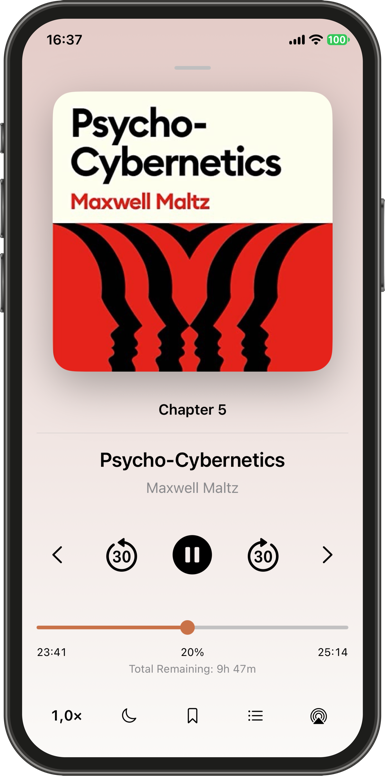
Drift off at the end of a chapter, not mid-sentence.
Name them, annotate them, find them again.
III Import
Bring in audio files from your iPhone or from Novelwave's own folder in iCloud Drive. Pick as many as you like, then keep them as separate audiobooks or merge them into one.
Four parts of one book become one audiobook, with one cover and one progress bar.
Moby-DickHerman MelvilleOne audiobook · 21h 4m
Import from Files, or connect iCloud Drive and keep books there until you play them.
Choose where new books land, or create a shelf without leaving the import.
IV Sync
Shelves, progress, chapters and bookmarks sync privately through your iCloud account with CloudKit. Start a chapter on the train and finish it at home, right where you left off.
Your place in every book follows you to each device on your iCloud account.
Novelwave creates its own folder in your iCloud Drive and can only see the files inside it. Nothing else.
Books stay in iCloud until you press play. Download, pause or remove any of them, whenever you like.
V Metadata
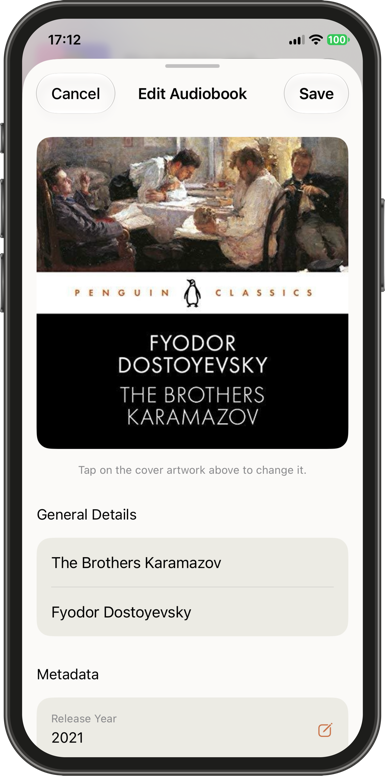
Fix a title, credit the right author and write a description. Fill in the genre, composer and release year, then give the book the cover it deserves.
Tap the cover to change it.
Or reset to the cover embedded in the file.
Books still waiting in iCloud can be edited and organized like any other.
VI Extras
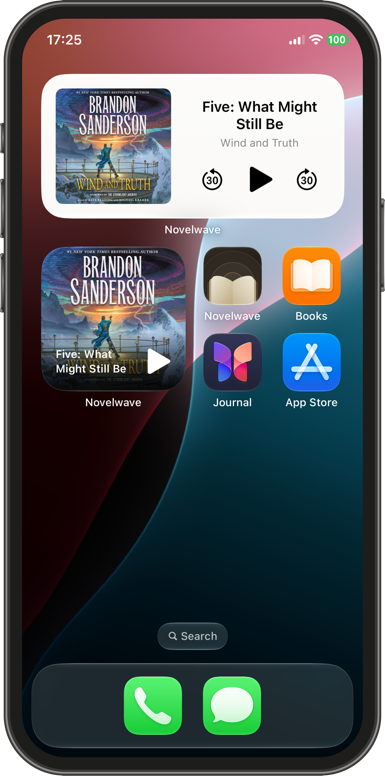
Control playback without reaching for your phone, keep the current book on your Home Screen, and keep your library as tidy as your shelves.
See and control what you're listening to, right from your Home Screen.
Play, pause and skip from your AirPods or headset.
Play, pause, skip and scrub through a chapter without unlocking.
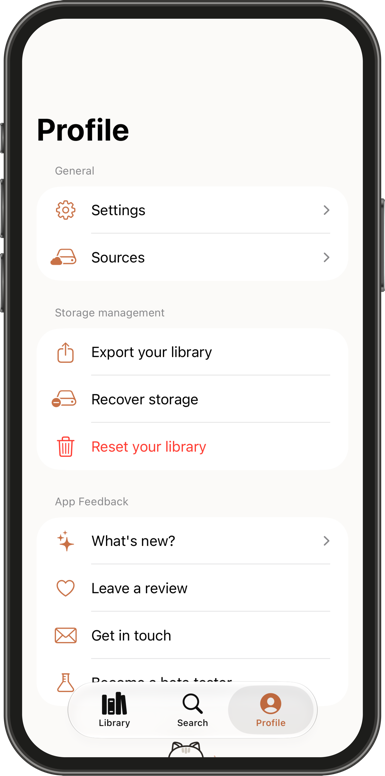
Copy a single audiobook, or your entire library, to any folder in Files.
Novelwave finds files nothing uses any more and clears them away, without touching your books.
Novelwave follows your iPhone, or your mood. So does this page: try the switch in the corner.
VII A closer look
Epilogue

For iPhone. Requires iOS 17 or later.